

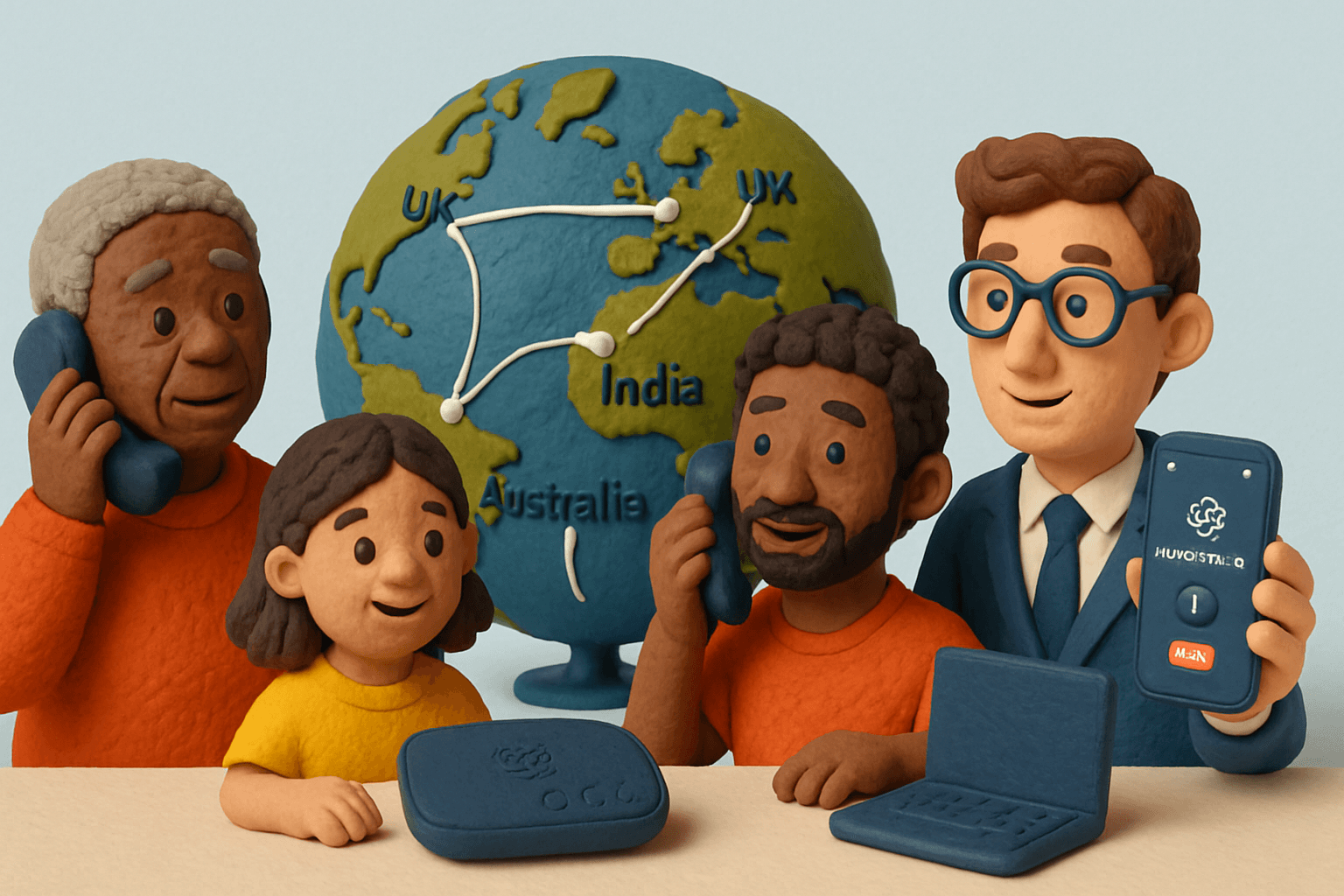
International calling in 2026 is more essential than ever for staying connected across borders, whether you’re working remotely, keeping up with family, or running a business. Ooma international calling offers cost-effective, reliable options that can save you significantly compared to traditional carriers.
This comprehensive guide covers everything you need to know about Ooma’s international calling service—plans, rates by country, setup instructions, mobile app features, troubleshooting, and practical tips to help you save money while calling worldwide.
Understanding Ooma International Calling
Ooma has established a strong reputation in the VoIP and home/business phone market. Its easy-to-use devices and mobile apps make international calling accessible to anyone, whether at home or in an office.
Key Features
- Global coverage: Call to 70+ countries on landlines and 40+ on mobile
- Multiple plan options: Pay-as-you-go, World Plan, and World Plus Plan
- Free Ooma-to-Ooma calls: Call other Ooma users worldwide at no cost
- Mobile app: Make calls from anywhere with Wi-Fi or data
- VoIP technology: Uses your internet connection for significant cost savings
- Business features: Multi-user management, virtual receptionist, integrations
Who Uses Ooma?
Ooma international calling is popular among:
- Families with relatives overseas
- Small businesses with global clients
- Expats and immigrants staying connected
- Frequent travelers avoiding roaming fees
- Remote workers managing international teams
Ooma International Calling Plans
Ooma offers three main options to suit different calling needs:
Plan Comparison
| Plan | Monthly Fee | Landline Countries | Mobile Countries | Best For |
|---|---|---|---|---|
| World Plan | $17.99 | 60 | 10 | Occasional callers, landlines |
| World Plus | $25.99 | 70+ | 40+ | Frequent callers, mobiles |
| Pay-As-You-Go | $0 | All (per-minute) | All (per-minute) | Rare/infrequent callers |
World Plan ($17.99/month)
The entry-level option for occasional international callers:
- Unlimited calls to landlines in 60 countries
- Unlimited calls to mobiles in 10 countries
- Includes: UK, India, Mexico, China, Canada, Australia
- Standard rates apply to non-included destinations
Best for: Users who call landlines in popular destinations a few times a month.
World Plus Plan ($25.99/month)
Designed for heavy international callers:
- Unlimited calls to landlines in 70+ countries
- Unlimited calls to mobiles in 40+ countries
- Includes mobile calling to India, UK, Mexico, and more
- Fair use policy applies (typically 3,000 minutes/month)
Best for: Families with relatives overseas, businesses with frequent global communication.
Pay-As-You-Go
Maximum flexibility with no monthly commitment:
- Pay only for minutes used
- Rates vary by country and phone type
- Top up prepaid balance as needed
- Set up automatic top-ups to avoid interruptions
Best for: Users who rarely call internationally or need to reach destinations not in unlimited plans.
Ooma International Rates by Country
Understanding rates helps you choose the right plan and estimate costs.
Sample Rates (2026)
| Country | Landline Rate | Mobile Rate |
|---|---|---|
| Canada | $0.02/min | $0.02/min |
| Mexico | $0.02/min | $0.08/min |
| UK | $0.03/min | $0.18/min |
| India | $0.03/min | $0.03/min |
| China | $0.03/min | $0.03/min |
| Australia | $0.03/min | $0.29/min |
| South Africa | $0.07/min | $0.23/min |
| Philippines | $0.19/min | $0.19/min |
| Nigeria | $0.22/min | $0.22/min |
Note: Rates change periodically. Always check current rates in your Ooma dashboard before calling.
Landline vs. Mobile Rates
Mobile calls typically cost more than landline calls to the same country:
- UK: Landline $0.03/min vs Mobile $0.18/min
- Australia: Landline $0.03/min vs Mobile $0.29/min
- Mexico: Landline $0.02/min vs Mobile $0.08/min
Check which numbers are included in unlimited plans—some plans cover landlines but charge per-minute for mobiles.
How Ooma Calculates Charges
- Per-minute billing: Most calls billed by the minute
- Rounding: Partial minutes rounded up (2:10 billed as 3 minutes)
- Minimum charges: Some destinations have minimum call charges
- Taxes and fees: Additional regulatory fees and taxes apply
Ooma vs. Traditional Carriers
| Provider | UK (30 min) | India (30 min) |
|---|---|---|
| Ooma | $0.90 | $0.90 |
| AT&T | ~$45.00 | ~$24.00 |
| Verizon | ~$60.00 | ~$45.00 |
Ooma delivers substantial savings compared to traditional phone carriers.
Free Ooma-to-Ooma Calling
One unique benefit is free international calls between Ooma users:
- Works with Telo devices or the Ooma app
- Call anywhere in the world at no cost
- Both parties must have Ooma accounts
- Perfect for families or teams split across countries
Example: A family in the US and relatives in India can chat endlessly without paying for calls—if both use Ooma.
How to Set Up Ooma International Calling
Step 1: Set Up Your Ooma Device
- Connect your Ooma Telo to your internet via Ethernet cable
- Plug your telephone into the Ooma device’s phone port
- Create or log into your Ooma account online
- Complete device registration
Step 2: Activate International Calling
- Log into your Ooma account dashboard
- Navigate to international calling settings
- Choose your plan (World, World Plus, or Pay-As-You-Go)
- Enter payment information
- Confirm activation
Step 3: Make Your First Call
Dial in this format:
011 + [Country Code] + [Area Code] + [Local Number]
Examples:
- UK:
011 + 44 + [area code] + [number] - India:
011 + 91 + [area code] + [number] - South Africa:
011 + 27 + [local number]
For more details on international dialing, see our guide to making international calls.
Step 4: Monitor Usage
- Review call logs in your Ooma dashboard
- Check billing history for charges
- Set up usage alerts or spending caps
- Manage prepaid balance for pay-as-you-go
Using the Ooma Mobile App
The Ooma app extends international calling to your smartphone:
Features
- Make calls over Wi-Fi or mobile data
- Avoid carrier roaming charges while traveling
- Access your Ooma plan from anywhere
- View call logs and manage contacts
- Check rates before calling
Setup
- Download from App Store or Google Play
- Log in with your Ooma account credentials
- Link to your home or business line
- Enable international calling in settings
Benefits
- Call from anywhere with internet access
- Same rates as your home Ooma device
- Perfect for travelers avoiding roaming fees
- Seamless integration with your plan
Cost-Saving Tips
Choose the Right Plan
| Calling Pattern | Recommended Plan |
|---|---|
| Weekly calls to one country | World or World Plus |
| Daily international calls | World Plus |
| Occasional calls to multiple countries | Pay-As-You-Go |
| Calls only to Ooma users | Free (no plan needed) |
Maximize Savings
- Use Ooma-to-Ooma calls: Free between Ooma users worldwide
- Call during off-peak hours: Some destinations have lower rates
- Use Wi-Fi calling: Avoid mobile data charges with the app
- Monitor usage: Set alerts to avoid surprise bills
- Review plans regularly: Switch if calling patterns change
- Watch for promotions: Ooma offers seasonal discounts
Avoid Common Pitfalls
- Verify destination is in your plan before calling
- Check if calling landline or mobile (different rates)
- Review bills for unexpected charges
- Keep prepaid balance topped up
- Use correct dialing format (011 + country code)
Ooma for Business
Small businesses can benefit significantly from Ooma international calling:
Business Features
- Multi-user management and permissions
- Virtual receptionist for professional call handling
- Call recording and detailed reports
- Integration with Salesforce, HubSpot, QuickBooks
- Team-wide international calling plans
Use Cases
- Real estate agencies with overseas clients
- Tech companies with remote international teams
- Import/export businesses
- Consulting firms with global clients
Troubleshooting Common Issues
Connection Problems
| Issue | Solution |
|---|---|
| Calls won’t connect | Check country code and number format |
| Dropped calls | Verify stable internet connection |
| Poor audio quality | Use wired Ethernet instead of Wi-Fi |
| Device not detected | Power cycle Ooma device and router |
Call Quality Issues
- Static or echo: Move device away from other electronics
- Choppy audio: Check internet speed (need 384+ kbps)
- Delayed audio: Restart router and Ooma device
- One-way audio: Verify firewall settings
Billing Issues
- Review call logs to identify unexpected charges
- Check if call was to mobile vs. landline
- Verify destination was in your plan
- Contact Ooma support with call details
Frequently Asked Questions
Can I use Ooma international calling while traveling?
Yes, the Ooma mobile app lets you make calls anywhere with Wi-Fi or data, using your same plan rates.
Are there free international calling options?
Yes, calls between Ooma users are free worldwide. Both parties need Ooma accounts.
How often do rates change?
Rates update periodically based on market conditions. Check your dashboard for current pricing.
What if I’m charged incorrectly?
Review call logs, then contact Ooma support with details. Most issues resolve within a few days.
Can I block international calls?
Yes, you can restrict international calling for specific users or devices in account settings.
Do emergency calls work internationally?
No, Ooma only supports emergency calls within your home country.
Ooma international calling offers a reliable, cost-effective way to stay connected globally. With flexible plans, competitive rates, and free Ooma-to-Ooma calling, it’s an excellent choice for families, travelers, and businesses alike.
Looking for even more flexibility? ZippCall offers pay-as-you-go international calling directly from your browser—no devices or subscriptions required, just transparent rates to 200+ countries.

Entrepreneur and founder of ZippCall. After years living abroad, Josh built ZippCall to make international calling simple, affordable, and reliable.
Ready to Try ZippCall?
Make affordable international calls on web, iPhone, and Android devices. Crystal-clear quality with competitive rates.
1 minute setup. No subscription required.